
Every model. Every official example.
12 vehicle variants, 12 UV templates and 257 original Paint Shop example files, organized by the exact vehicle version.
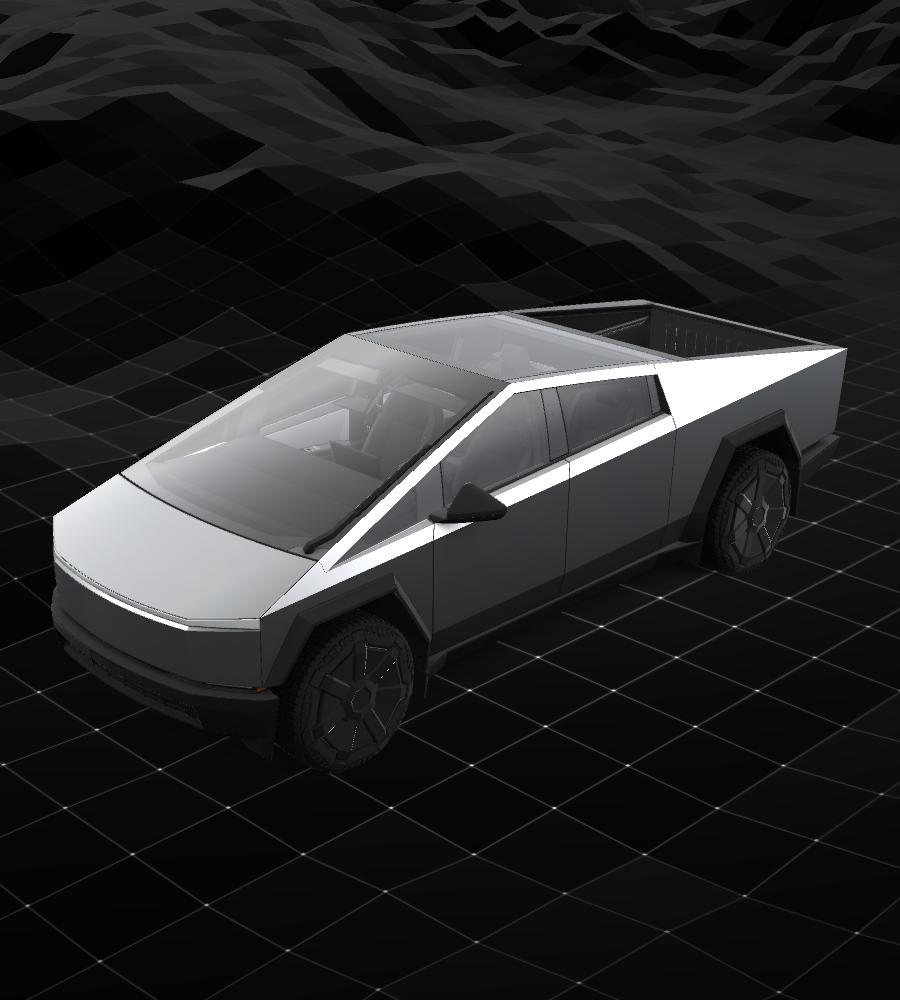
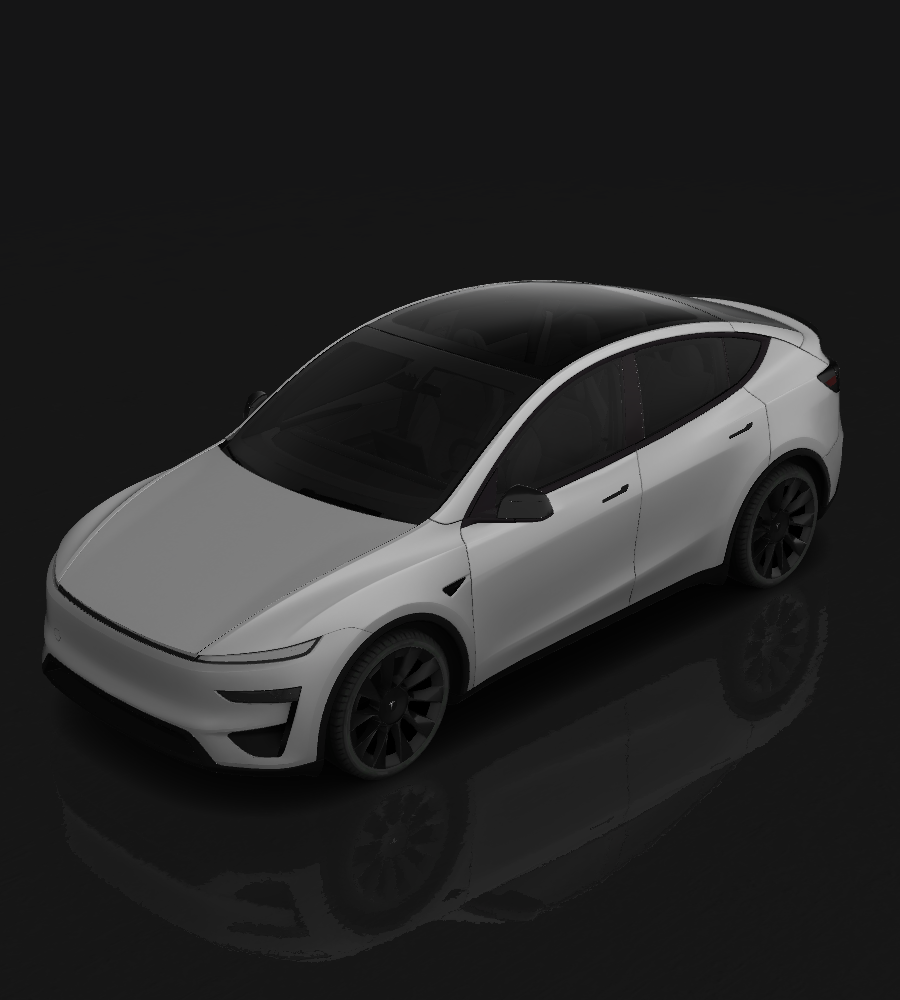
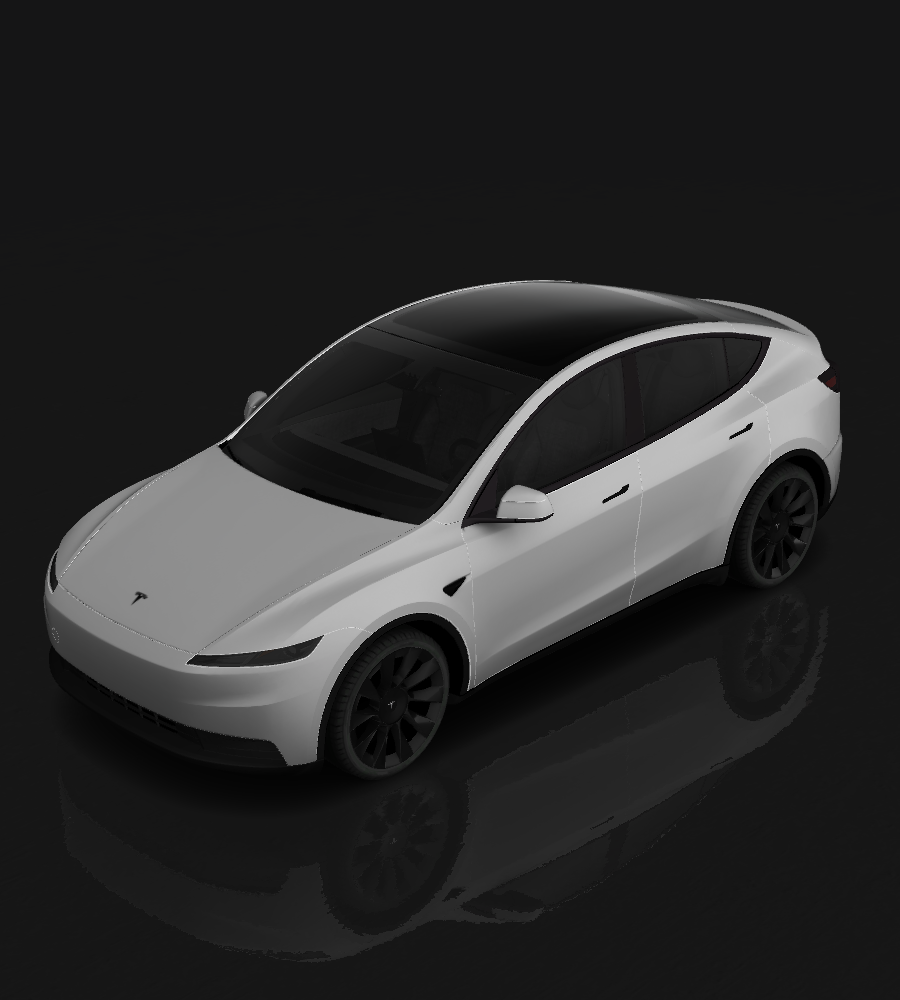
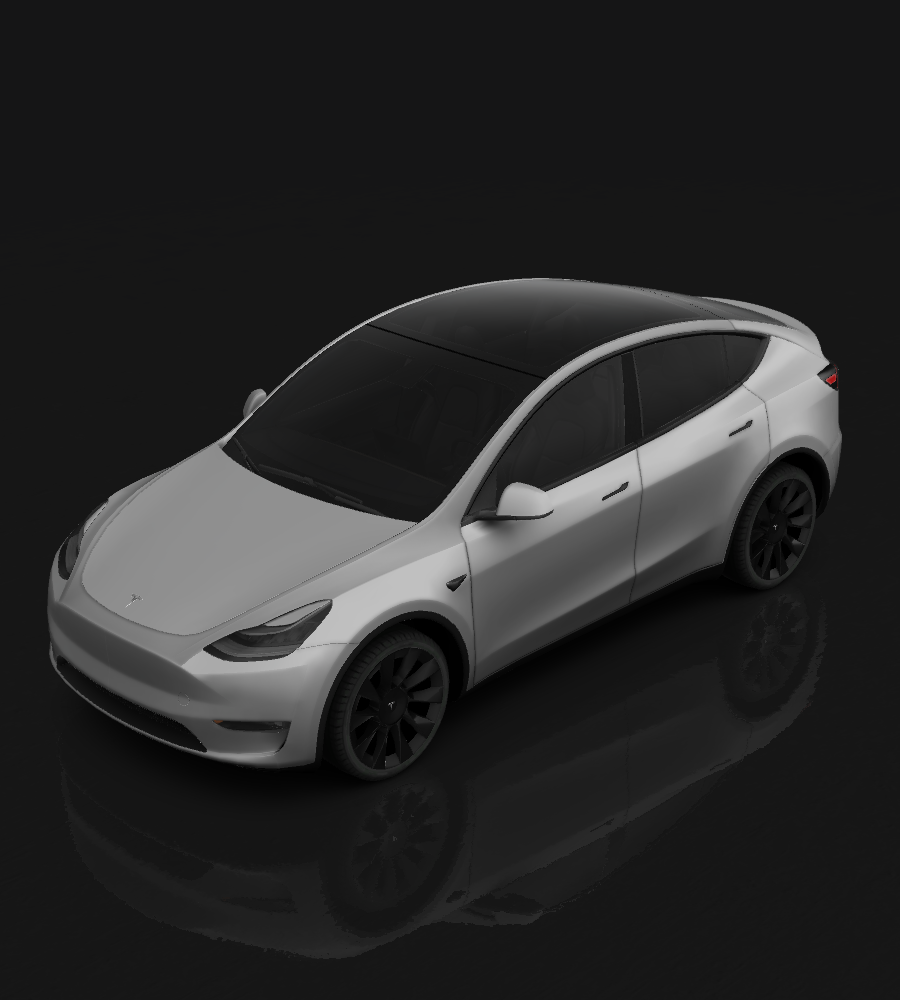
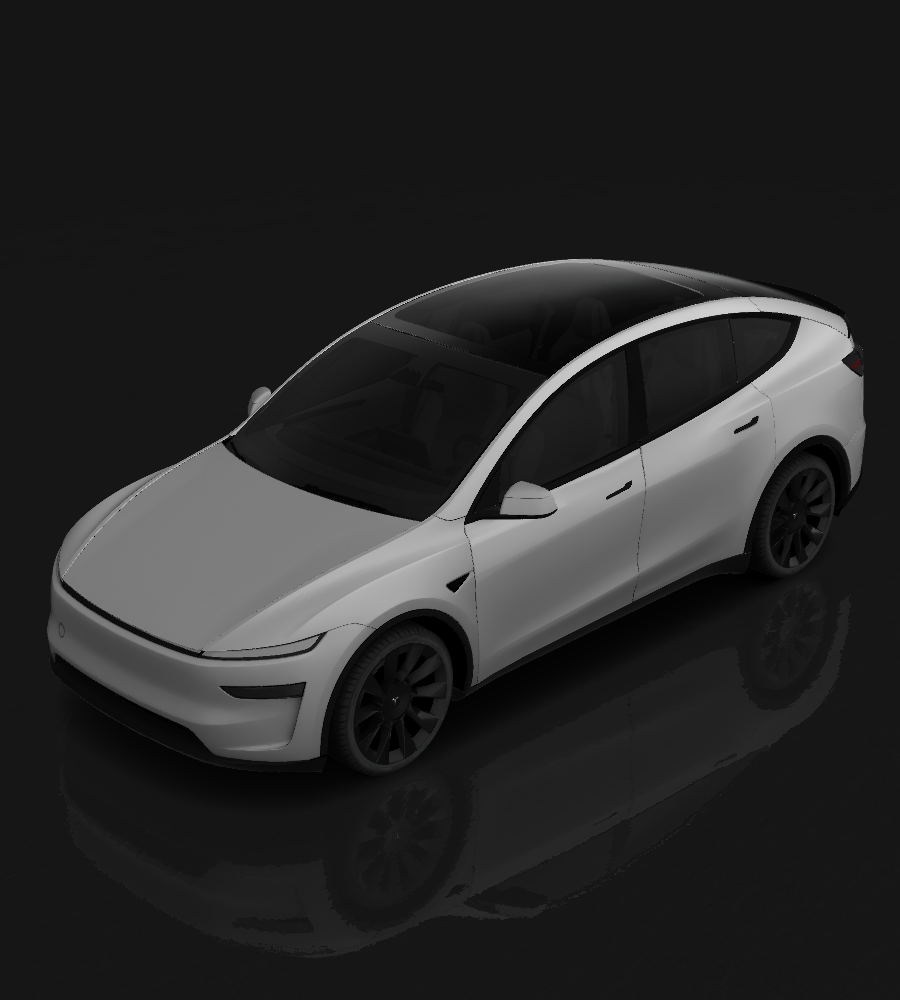
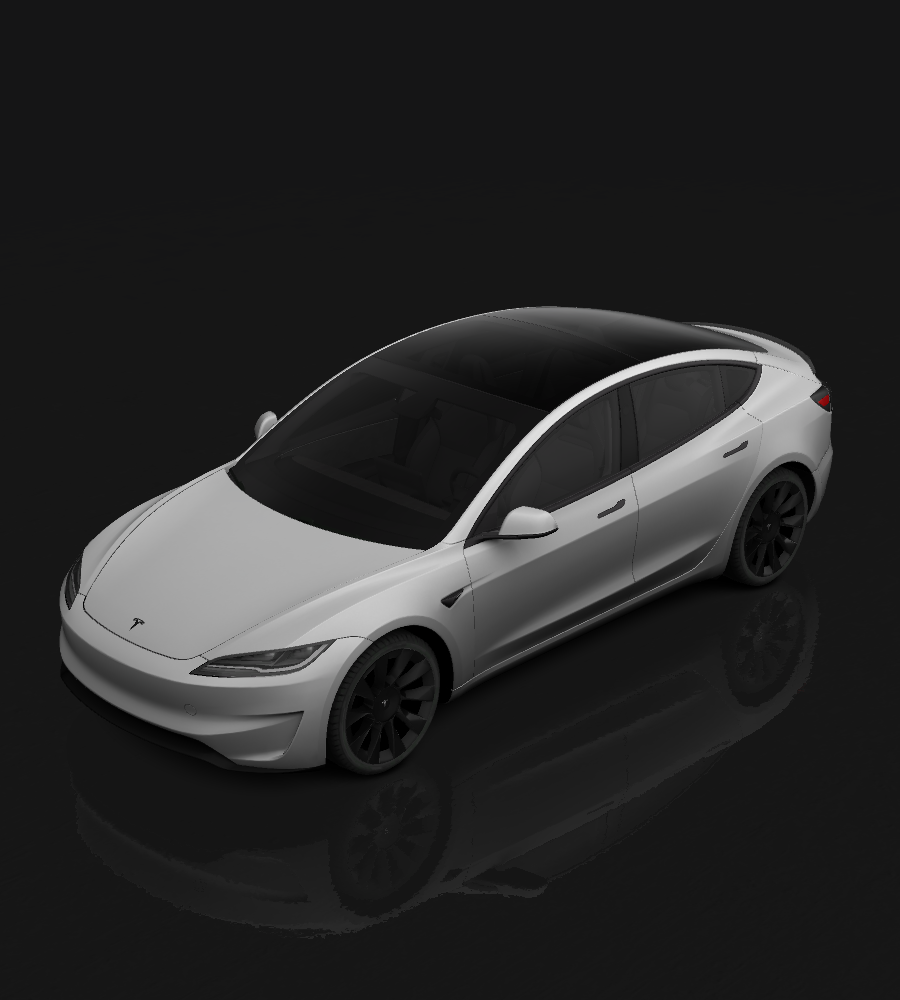
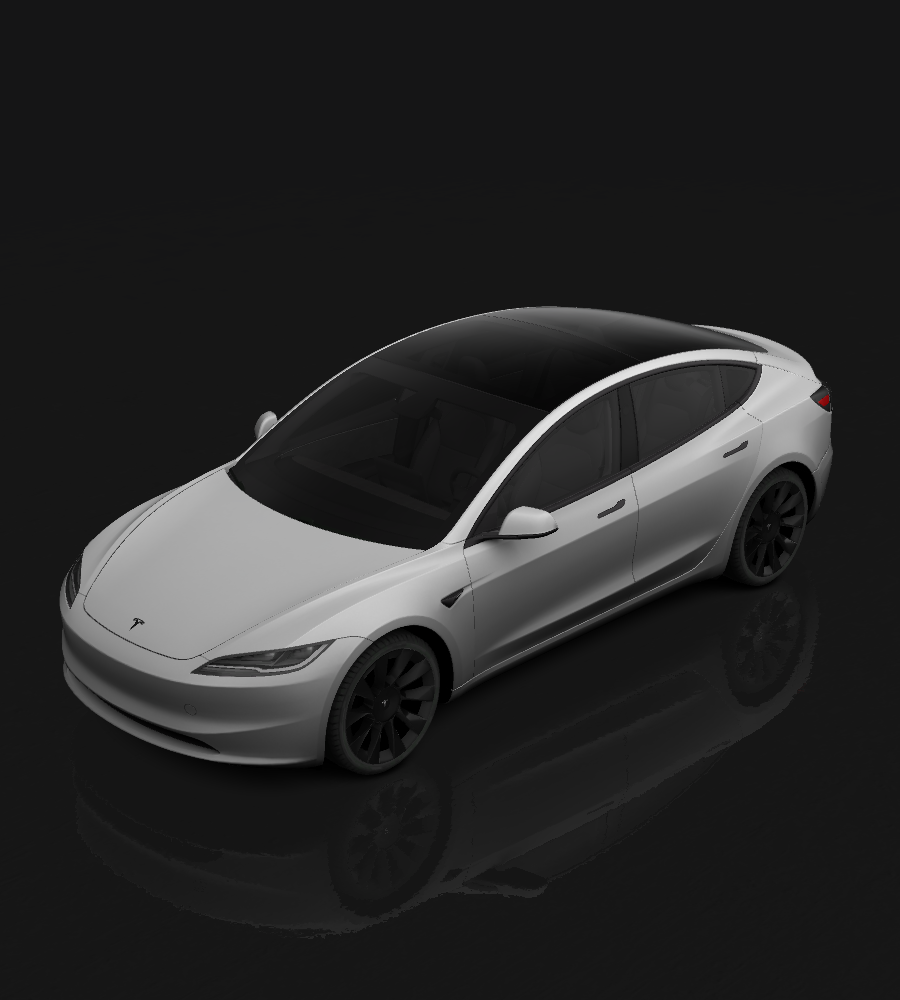


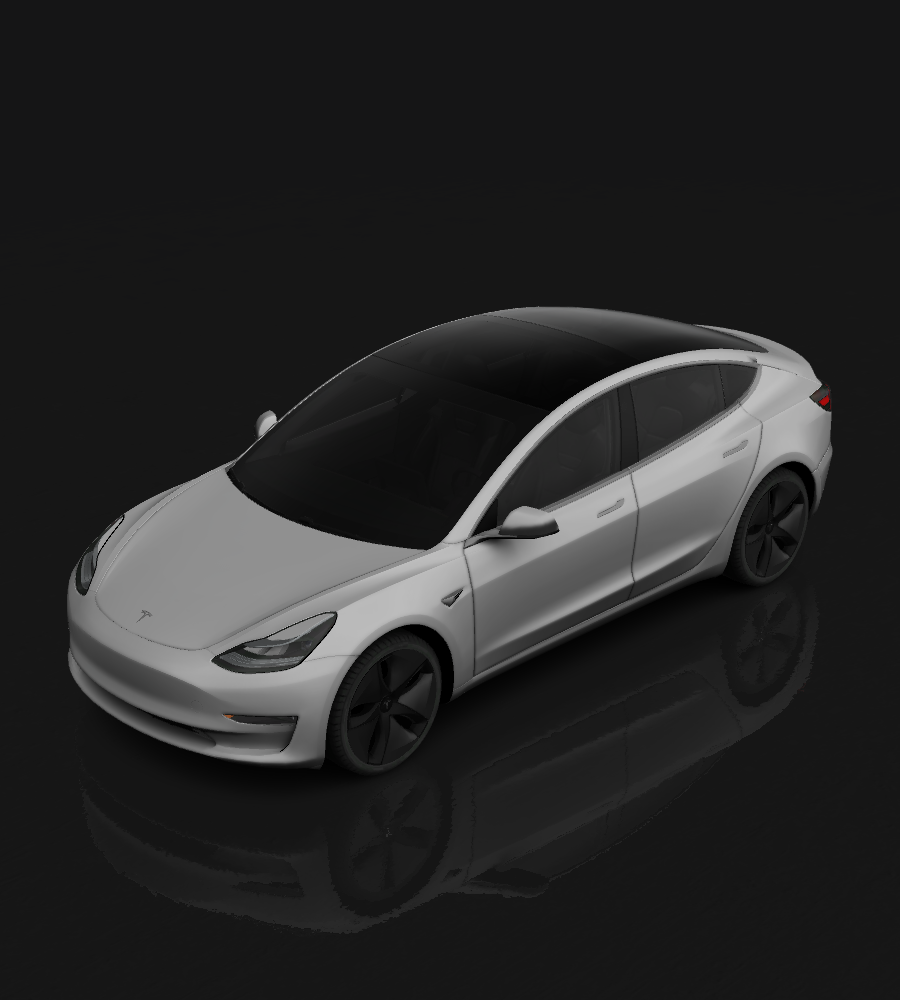

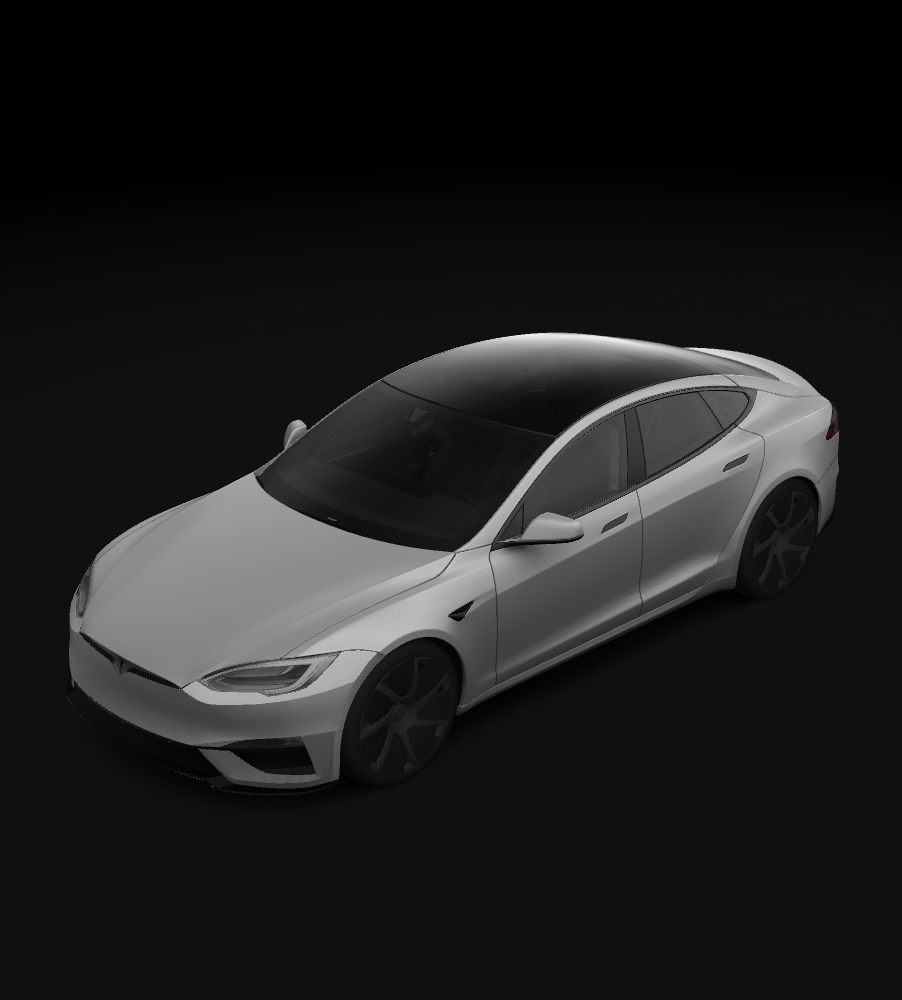

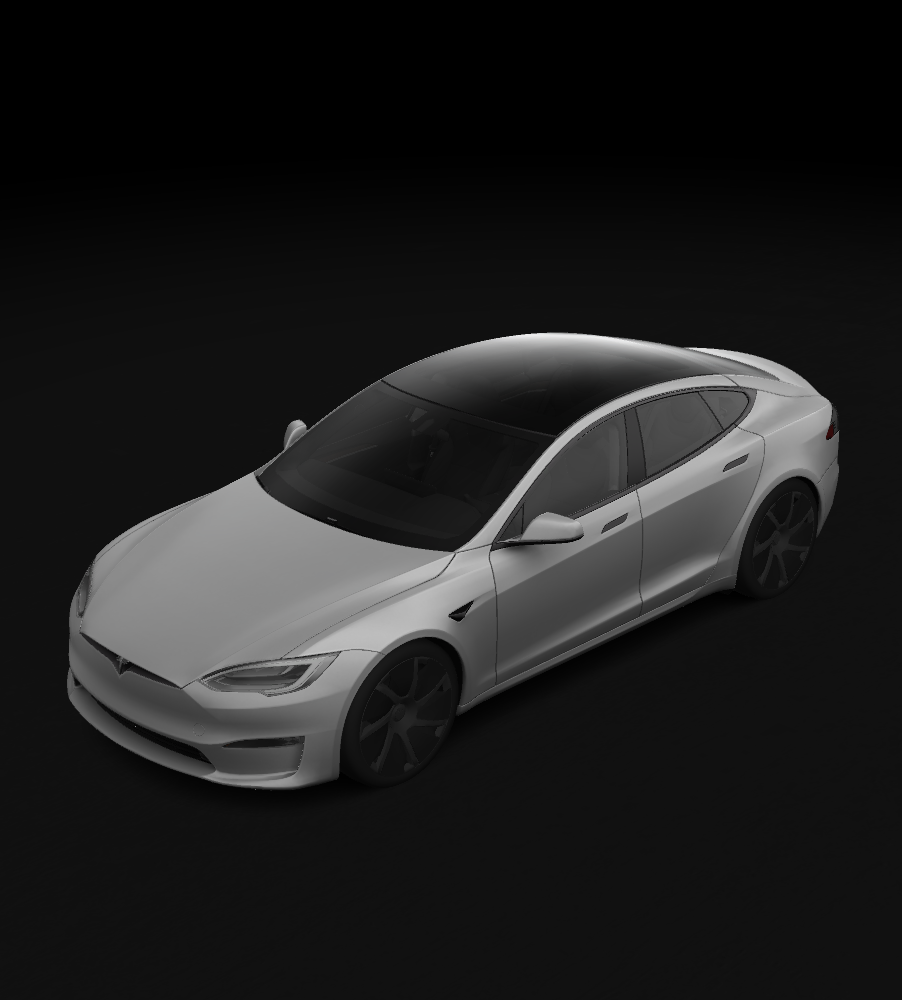

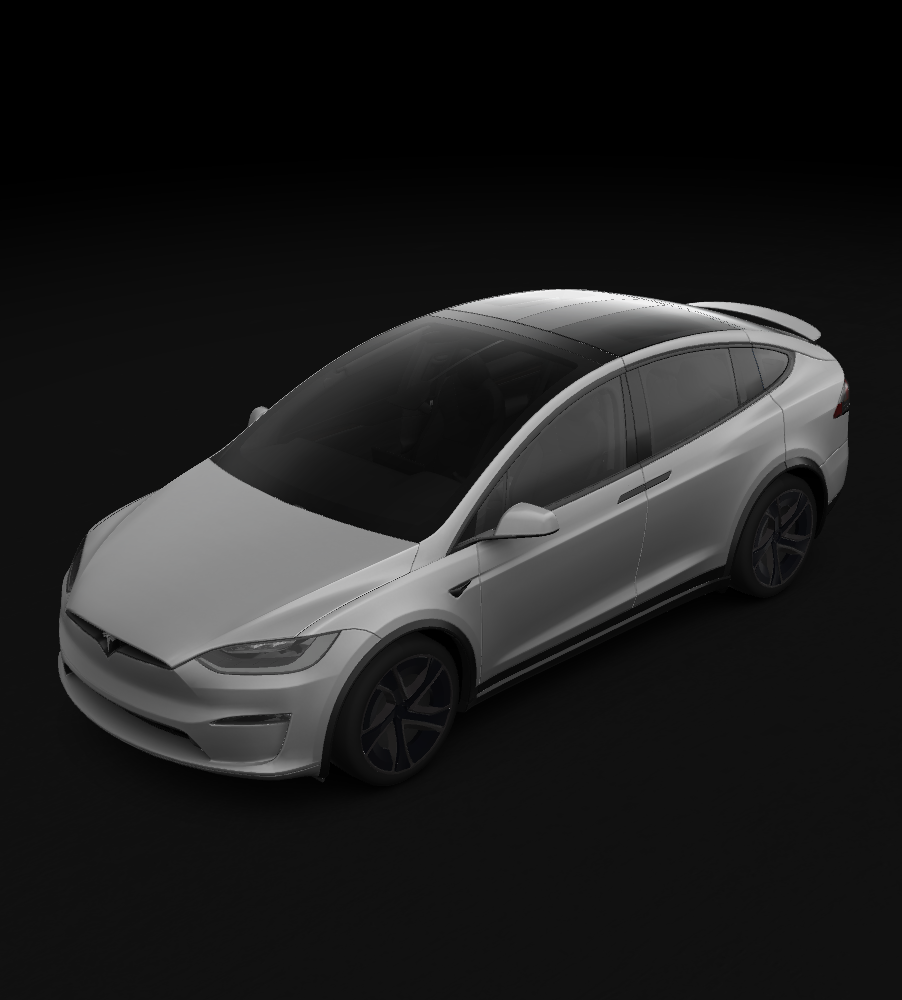

Give your Tesla a look of your own.
Start with a description or reference photo to create a digital wrap for your exact vehicle. Inspect it on the 3D model, download the PNG and follow the guide to import it into Paint Shop. Explore official examples for inspiration, or share a design that inspires another owner.
Start with a photo ↗Your first wrap, in three steps.
- 01
Match your vehicle
Choose the exact year and trim so the generator uses the correct body template.
- 02
Describe the design
Specify a palette, subject, style and placement. For a reference image, use Photo to wrap.
- 03
Inspect, download and install
Rotate the 3D car to check both sides, front and rear, then download the PNG and follow the Paint Shop guide.
Ideas from Tesla owners.
Discover designs their authors have explicitly made public and added to the gallery. Open a wrap to inspect it, find a design you like, or share your own creation.
Loading your wraps…
More ways to make it yours.
Tools for every step, from creation to download.
Text to wrap
Start with a description to create a digital map for your vehicle.
02Photo references
Upload a PNG, JPG or WebP reference and describe what to keep or change.
03Official vehicle templates
Find the correct year and trim, download a free template and edit it or study its layout.
043D preview and PNG repair
Inspect the map on a car and process an existing UV image in your browser.
05You choose what to publish
Checked: publish to the gallery. Uncheck to keep this wrap private. You can change visibility later in My wraps.
06One-time packs, no subscription
New accounts get one free generation, then each generation costs 1 credit. Choose a pack that suits you.
Make your first wrap a little easier.
Understand the map before you paint.
A wrap PNG is a flat layout of the body panels. Match the exact vehicle version, inspect orientation and seams, then check format and file size to make import easier.
Read all guides ↗Understand Paint Shop
Learn how digital wraps, templates and the vehicle display fit together.
Create, preview and share
Move from a prompt to 3D inspection, private saving and public sharing.
Install your wrap
Follow the App and USB workflows and check the PNG before importing.
Troubleshoot a missing wrap
Check the vehicle version, file format, size and folder location.
A few answers before you begin.
Generation, privacy, vehicle compatibility and installation questions, in one place.
View credit pricing ↗Is this a digital or physical wrap?
This site creates digital PNGs for the vehicle Paint Shop display. Physical vinyl requires separate printing, cutting and installation.
Is my first generation free?
New accounts receive 1 credit for one free generation. Each later generation costs 1 credit.
Do I need a subscription? What do packs cost?
No subscription is required. One-time packs cost USD 9.90 for 10 credits, USD 19.90 for 30, or USD 39.90 for 80.
Which vehicles are supported?
Templates cover Cybertruck, Model Y, Model 3, Model S and Model X variants. Select the year and trim that match your car.
Can I use my own photo?
Yes. Photo to wrap accepts PNG, JPG and WebP up to 5 MB. Describe the subject, background and placement to communicate your intent.
Are designs or reference photos published automatically?
Reference photos stay out of the public gallery. Checked: publish to the gallery. Uncheck to keep this wrap private. You can change visibility later in My wraps.
How do I import the download?
Open the installation guide and choose the Tesla App or USB workflow supported by your vehicle and software. Use the correct vehicle PNG and check size, filename and folder location.
What if the map is misaligned or does not appear?
Check the template version, PNG format, dimensions and file size. Use preview and repair for an existing UV map, and follow the troubleshooting guide.
Your next wrap starts with an idea.
Choose a vehicle, describe the palette, pattern and style, then see it on the car beside the generator.
Create a wrap ↗